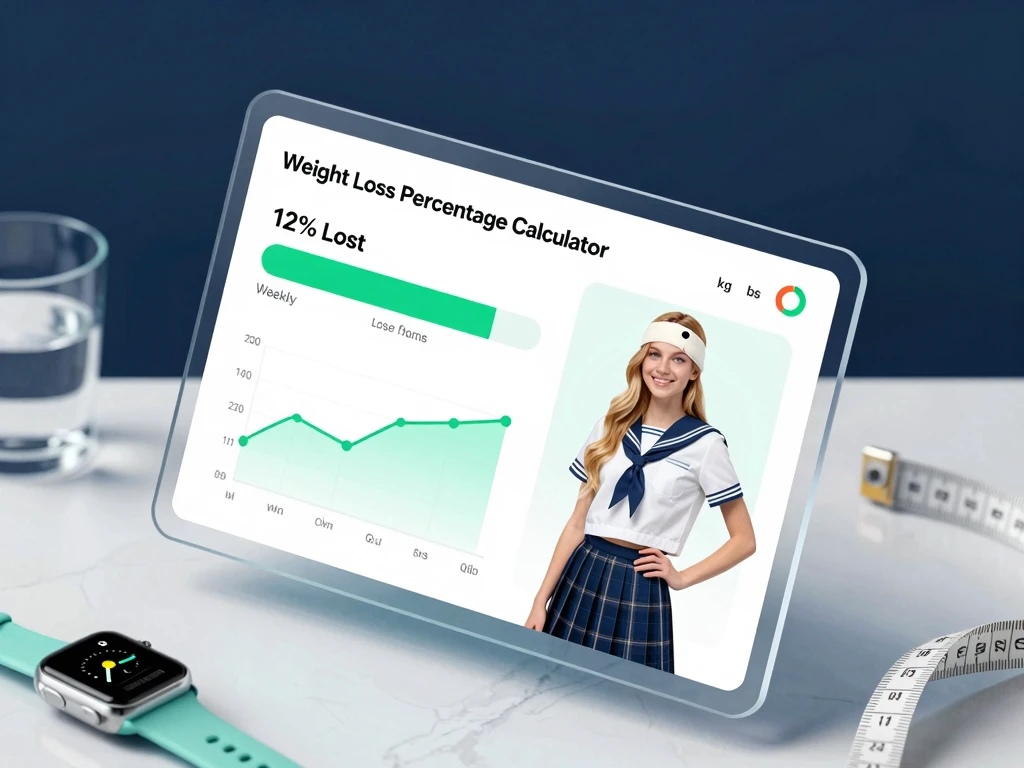
Weight Loss Percentage Calculator
Percentage Calculator
- No entries yet — calculate and save your results from the Calculator tab
─────────────────────────────────── × 100 = % lost
starting weight
Example: Start 90 kg, now 81 kg →
(90 − 81) ÷ 90 × 100 = 10% lost
This tool is for informational purposes only and is not a substitute for professional medical or nutritional advice. Always consult a qualified healthcare provider before starting a weight loss programme. ©
Many people start with a clear goal, but the numbers get messy fast. Units change, daily weight shifts, and it becomes hard to tell whether the plan is working. This weight loss percentage calculator brings everything into one place: weight loss percentage, BMI, weekly pace, goal tracking, and history. It gives you a clear view of progress without forcing you to do the math yourself.
What this calculator does
This weight loss percentage calculator does more than calculate a single percentage. It switches between kg, lbs, and stone, then auto-converts your entries so you can work in the unit you already use. It also calculates BMI, shows your weekly loss rate, and gives you a live status badge that helps you understand your progress at a glance. Pair your tracking routine with our cardio workouts guide for beginners to accelerate fat loss safely.
You also get a progress bar, contextual advice, and a visual chart comparing your starting weight with your current weight. That makes it easier to spot real progress instead of focusing on one day’s fluctuation.
How to use the weight loss perceintage calculator
Most people track weight loss in pounds or kilograms. Percentage loss reveals the actual impact on your body. A 5kg drop means something completely different for a 100kg person versus a 60kg person. The CDC emphasizes tracking measurable progress to maintain motivation and avoid unhealthy habits. This tool gives you that clarity instantly.
From there, the calculator shows your weight loss percentage, weekly rate, BMI category, and a short status message. You can also copy the result, save it to history, or move to the Goal Planner tab to estimate when you may reach your target.
Why the extra features matter
Unit switching keeps this weight loss percentage calculator practical for real users. Some people think in kilograms, others use pounds or stone, and the tool handles every conversion instantly so tracking never slows you down.
BMI support adds context. Weight loss percentage tells you how much weight changed, while BMI gives a quick screening reference that you can compare with the color-coded grid on the page.
Weekly loss rate helps you see pace, not just outcome. That matters because weight loss is rarely linear, and a steadier pattern often works better than chasing fast change.
The progress bar and badges make your results easier to read. This weight loss percentage calculator instantly flags early progress, strong momentum, significant loss, slow movement, or weight gain, so you never interpret the numbers alone.
The advice panel adds practical guidance. It can point out a safe pace, a possible plateau, or a very fast drop that may deserve a closer look.
Goal Planner for clear targets
The Goal Planner helps you work with a target weight instead of guessing. Enter your goal, set a weekly rate with the slider, and the calculator estimates the time needed to get there. It also shows an estimated completion date so you can plan ahead. Pair your timeline with our guide to 16 simple homemade drinks for weight loss to support your daily nutrition and stay on track.
This feature works well for people who like structure. It turns a vague goal into a simple timeline and helps you adjust the pace before it becomes frustrating.
History tracking keeps your progress visible
The history tracker saves multiple entries in your browser and shows them in a log. That makes it easier to review past results without writing anything down by hand.
The line chart also gives you a longer view of your loss percentage over time. That is useful because progress can look slow in the moment but much clearer across several entries.
Designed for mobile and accessibility
This calculator adapts well to small screens, so it still works cleanly on phones and tablets. The layout stays simple, and the tabs keep the page organized without crowding the screen.
It also uses labels, ARIA roles, keyboard navigation, and readable status updates. That helps more people use it comfortably, including screen-reader users and anyone who prefers the keyboard.
How to read the BMI reference grid
Built directly into the weight loss percentage calculator, the BMI reference grid stays visible so users can check categories quickly. It uses color-coded ranges for underweight, normal, overweight, and obesity bands. That makes your results easier to understand without opening another page.
Use BMI as a reference point, not a diagnosis. If you want a full picture of your health, combine it with your weight trend, habits, energy levels, and professional guidance when needed.
Who this calculator is best for
This weight loss percentage calculator works well for people who want a clear view of progress without spreadsheet work. It also suits clients who follow a plan with a coach, people who track their weight weekly, and anyone who wants a simple way to compare current results against a target.
If you manage a wellness site or coaching page, this calculator also adds real value because it combines several helpful tools in one place. Users can calculate, review, save, and plan without leaving the page.
About [Saad Sharif]
Saad Sharif is a certified fitness coach and health data specialist. He built this weight loss percentage calculator to replace guesswork with clear, trackable metrics. Explore his evidence-based guides on the blog or book a coaching session to optimize your progress.
FAQs
How do I calculate weight loss percentage?
Use this formula: ((starting weight - current weight) ÷ starting weight) × 100. The calculator does that for you automatically.
Does the calculator convert units automatically?
Yes. It supports kilograms, pounds, and stone, and it converts the numbers as soon as you switch units.
Can I check my BMI too?
Yes. Enter your height and the calculator will show your BMI and category right away.
Can I save my results?
Yes. The history tracker stores entries in your browser so you can review them later.
Is this calculator mobile friendly?
Yes. The layout adjusts to narrow screens and keeps the main tools easy to use on phones and tablets.